
Shape the world yourrobots work in.
Create and collaborate on 3D environments in Cosmic Studio, then enter CosmicTheater to observe and validate Robot Systems before real-world deployment.
Robot world
Build more than a 3D scene.
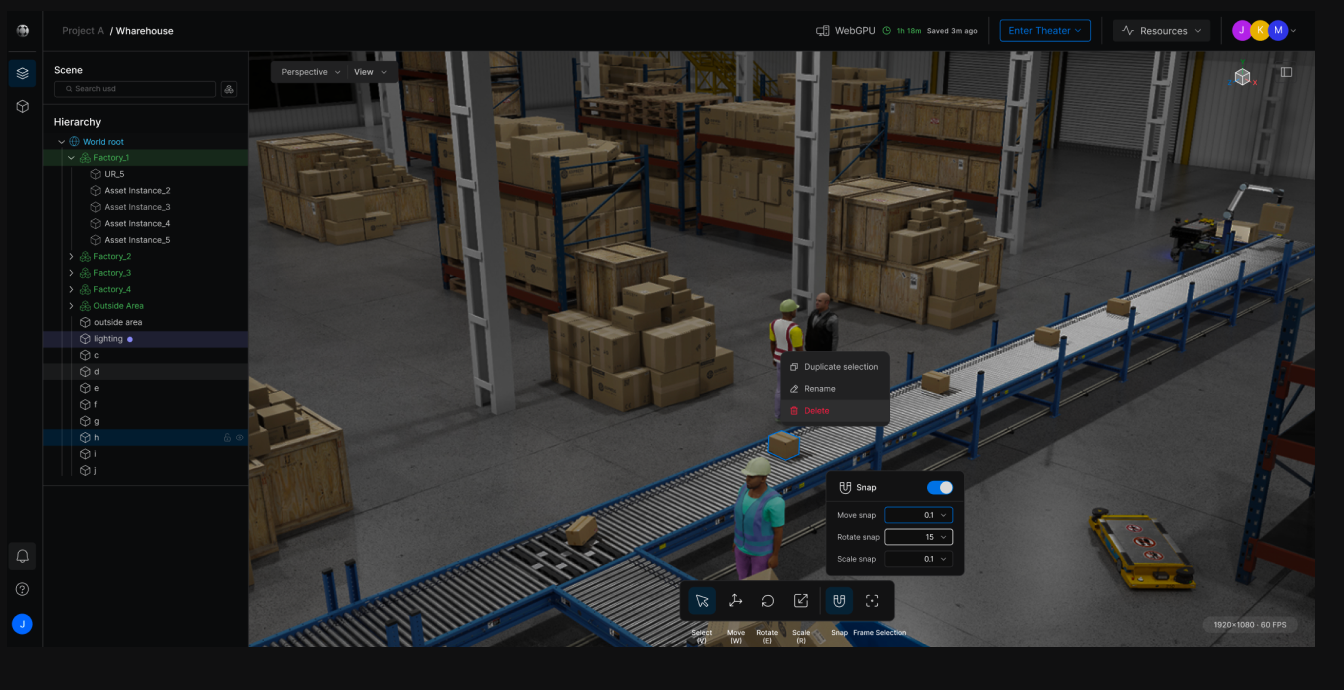
A Robot World brings robots, environments, and reusable assets together in one 3D space, so you can recreate real operating conditions before deployment.
Robots
Place one or multiple robots into the world.
Environments
Create the spaces and conditions they work in.
Assets
Add reusable objects and equipment.
Cosmic studio
Build your Robot world together.
Create 3D environments from reusable assets, add robots, and collaborate with your team in real time in one shared workspace.
Asset library
Build worlds withoutstarting from scratch.
Browse ready-made USD assets from Sodero and NVIDIA, save what you need to My Assets, and reuse them across Robot Worlds.
Sodero Assets
Browse ready-to-use USD assets prepared for Cosmic. Add what you need to My Assets and reuse them across Robot Worlds.
Rendering
Choose therenderer that fitsyour needs.
Switch between NVIDIA RTX, Storm, and WebGPU based on the visual quality, performance, and runtime usage you need.
WebGPU uses no rendering credits. Physics and other runtime usage may still apply.

NVIDIA RTX
High-fidelity rendering for detailed visualization and validation.
 Rendering credits apply
Storm
Lightweight rasterized rendering for interactive viewing and faster iteration.
Rendering credits apply
WebGPU
Render using your local GPU directly in the browser.
 No Rendering credit
Cosmic theater
Experience the world you built.
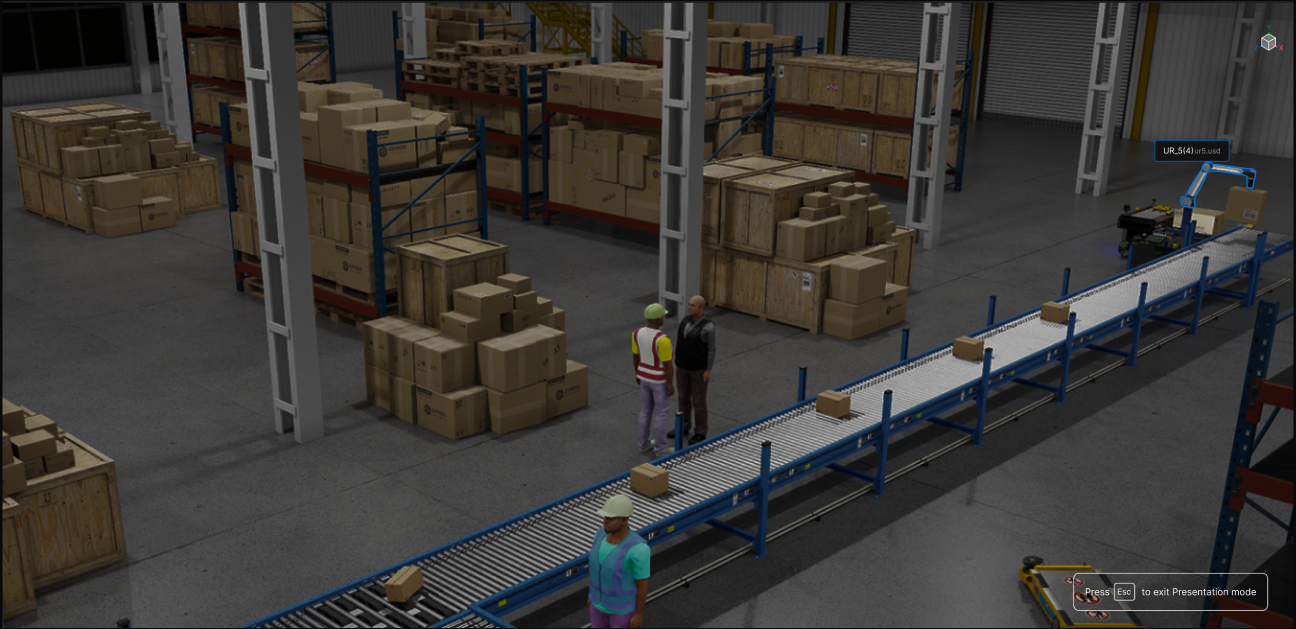
When your Robot World is ready, enter Cosmic Theater from Studio to observe and validate it in a separate runtime view.
Stellar + Cosmic
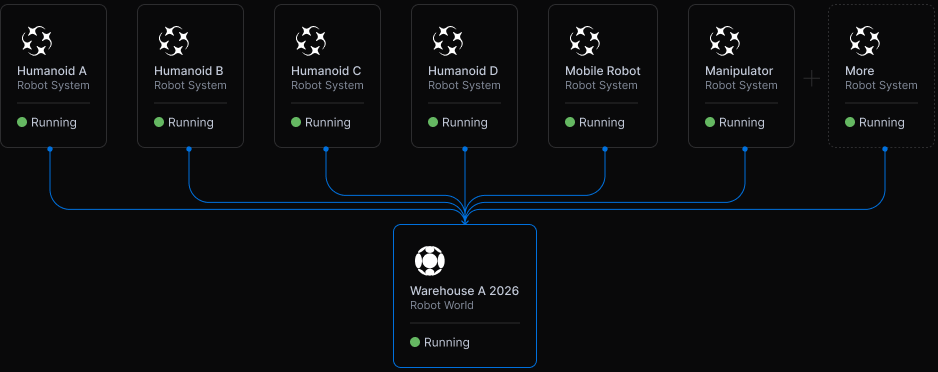
Run multiple Robot Systemsin one Robot World.
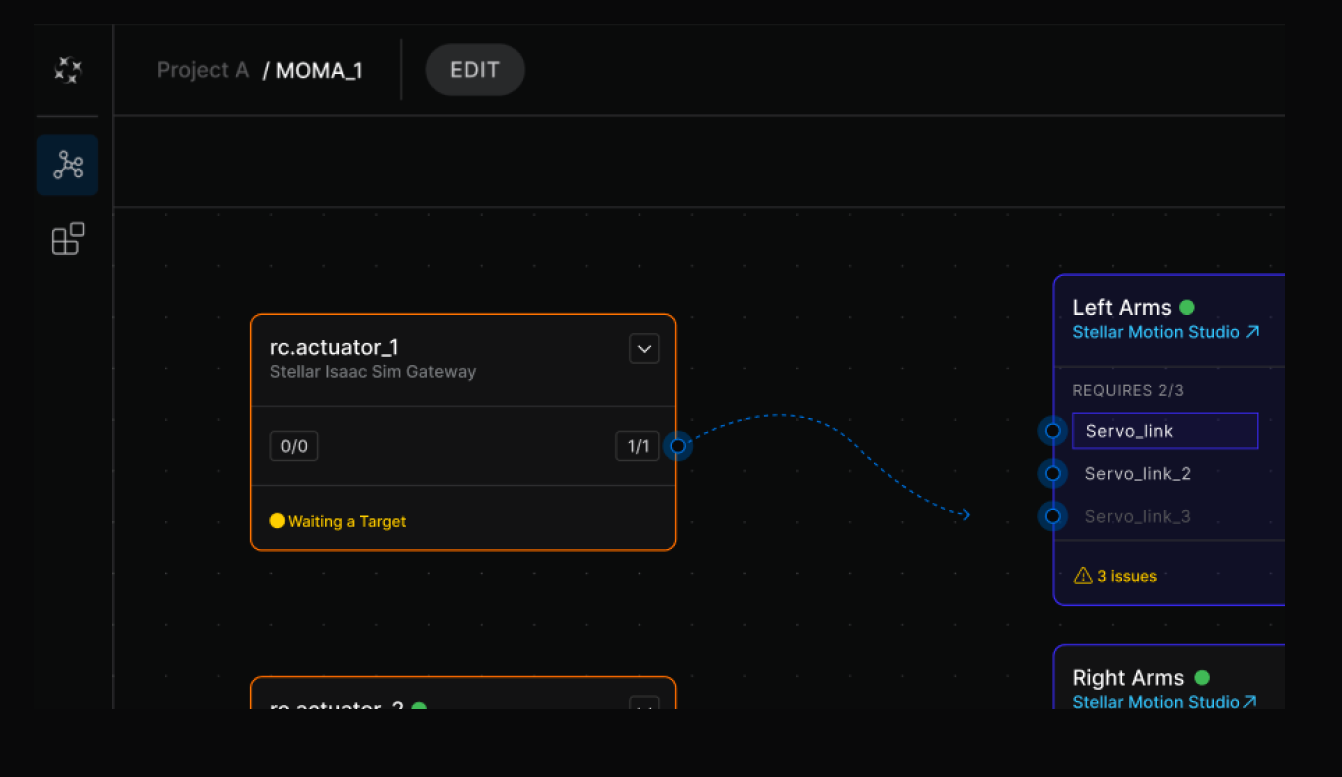
Each Robot System runs in Stellar, while Cosmic brings them together in one shared Robot World for observation and validation.
Independent Robot Systems
Each Robot System runsindependently in Stellar with its ownruntime state.
One shared Robot World
Multiple Robot Systems can connect toand run together in the same CosmicRobot World.
Validate together
Observe how different robots andsystems interact within the sameenvironment before deployment.
Performance
Performance under realworkloads.
Compare Sodero Cloud with a conventional ROS 2 and Isaac Sim setup under the same Robot System, Robot World, and runtime conditions.
1 system
2 systems
4 systems
6 systems
10 systems
Benchmark methodology
Sodero Cloud and the reference ROS 2 + Isaac Sim setup were tested using identical robot models, Robot World, control workloads, physics settings, renderer settings, hardware, and test duration.
Each test was performed with 1, 2, 4, 6, and 10 identical Robot Systems. Real-time factor measures simulated time relative to wall-clock time. Response latency measures the time from a timestamped control command entering the runtime to the resulting robot state update in the simulation. Rendering performance measures viewport frame rate under identical rendering conditions.
Results are collected after a warm-up period and aggregated across repeated test runs.
View benchmark details